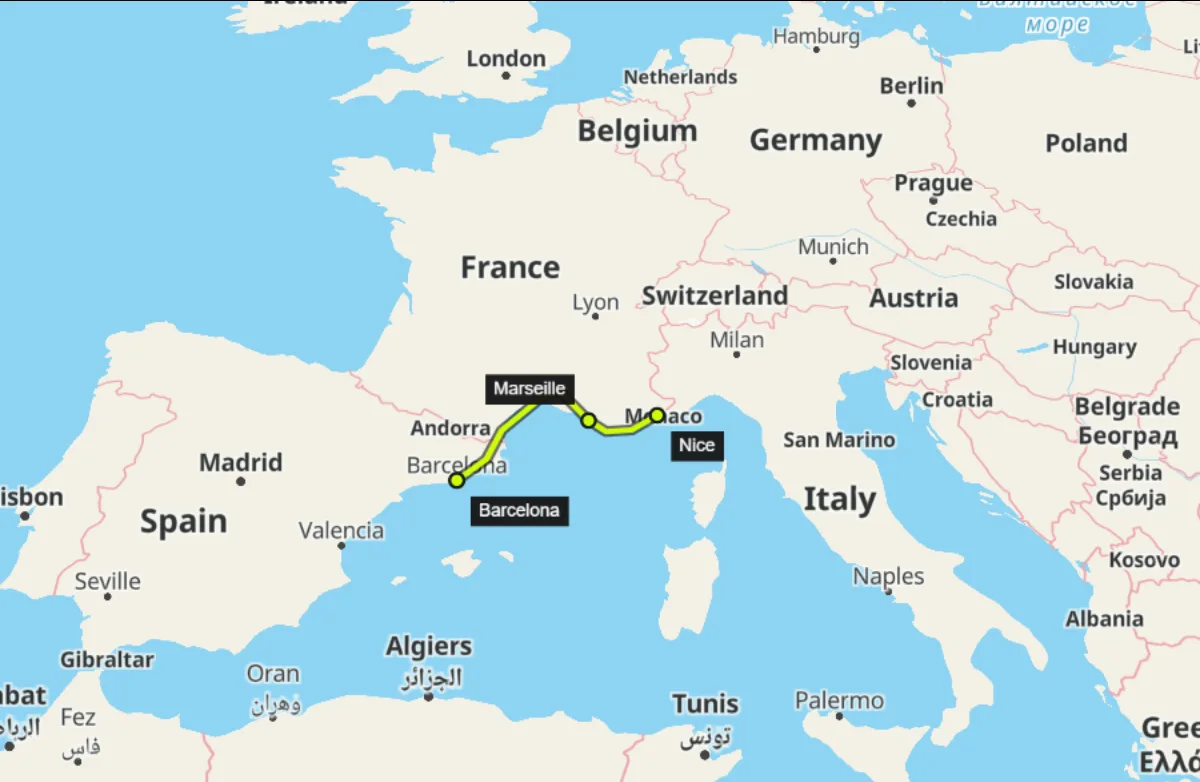
No animation skills needed. Create 2D and 3D maps in a visual editor. Mark the places in your story, draw routes, and use camera presets to animate the map for your videos.
Make maps in your browser. Work without installing software. Export your map and add it to videos in the editor you use.
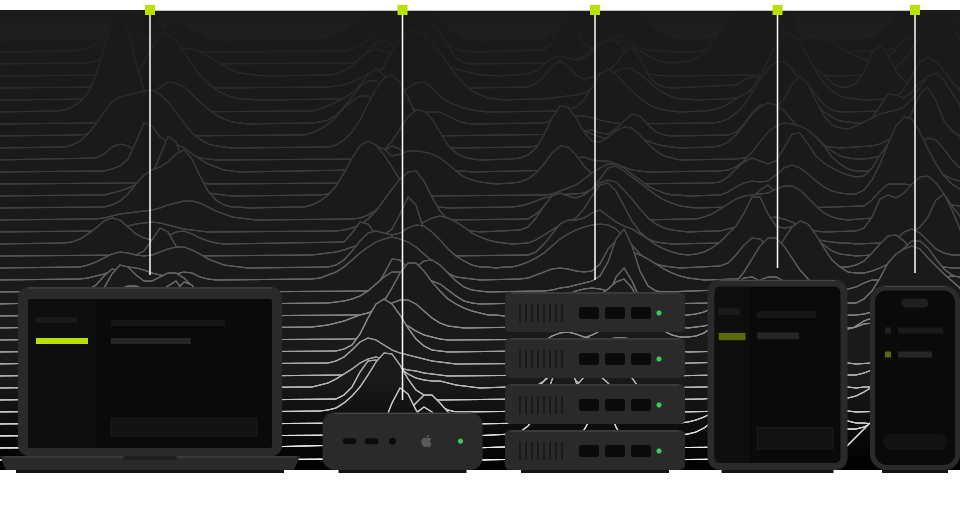
Your first map video, step by step. Find a place, animate the camera, and export a map for your video.
Barcelona, Spain
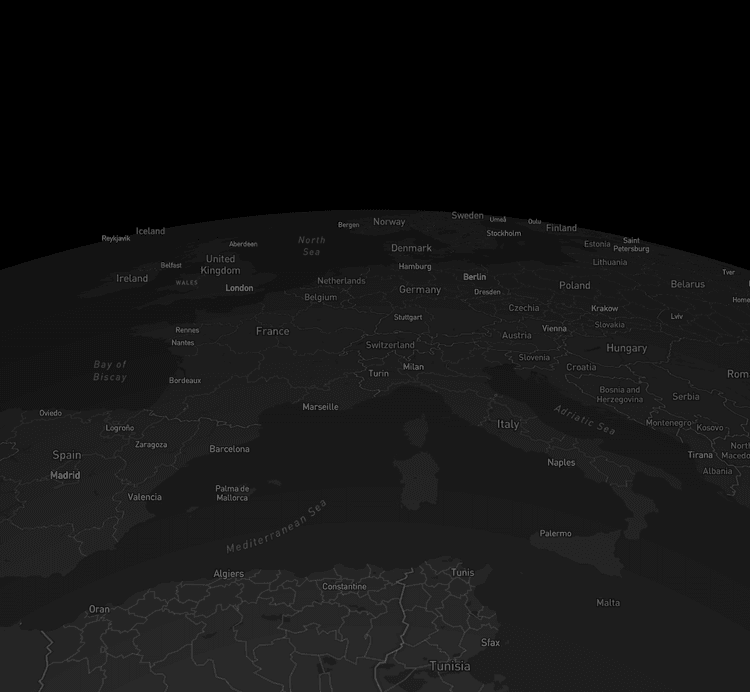
Pick a destination
Find a city or landscape. Choose a map style and mark the places you want to show.
Camera
00:00 00:14
Move the camera
Use camera presets or adjust keyframes to choose where the camera moves across your map.
WebM 1920 × 1080
Export
Export for your video
Export in WebM or PNG and add the result to your video in the editor you know.
Choose a look for your map. Try a map style and adjust its labels. Add 3D terrain to show the shape of the land more clearly.
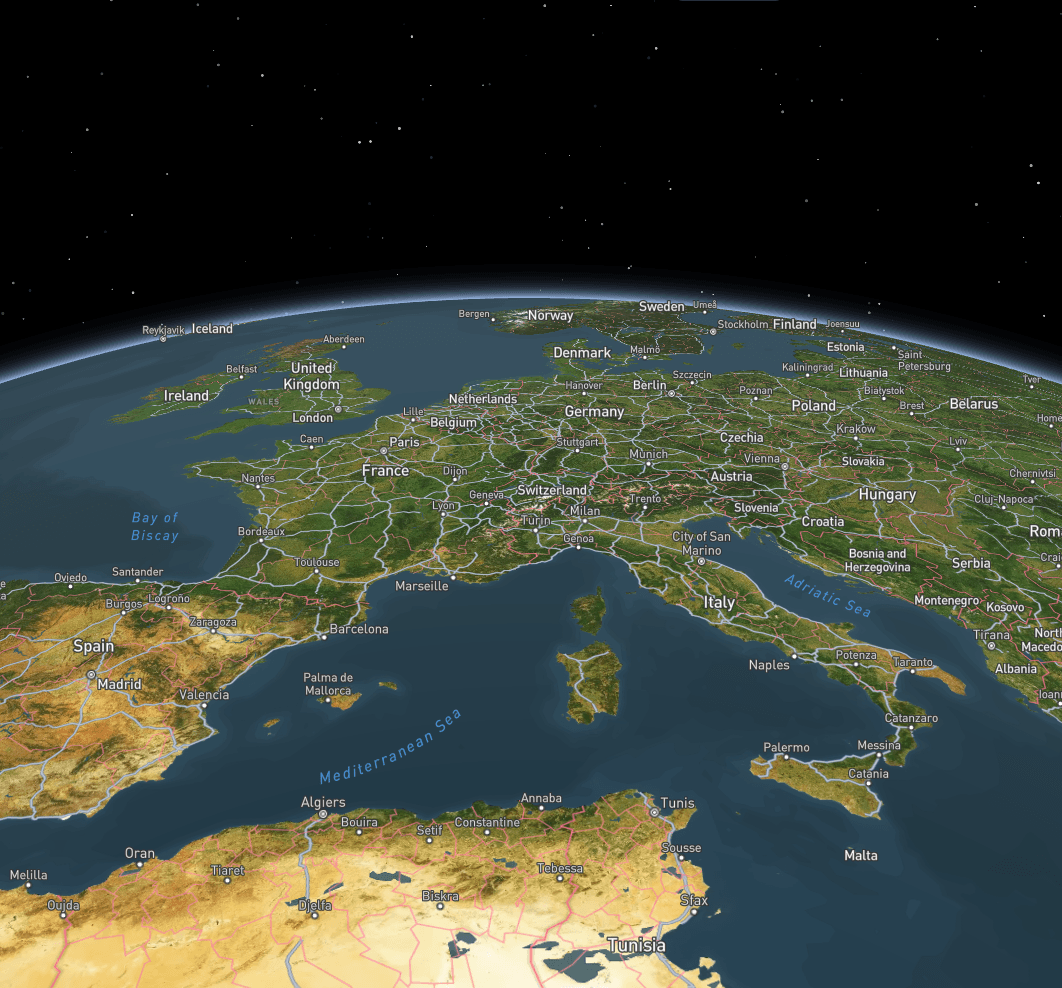
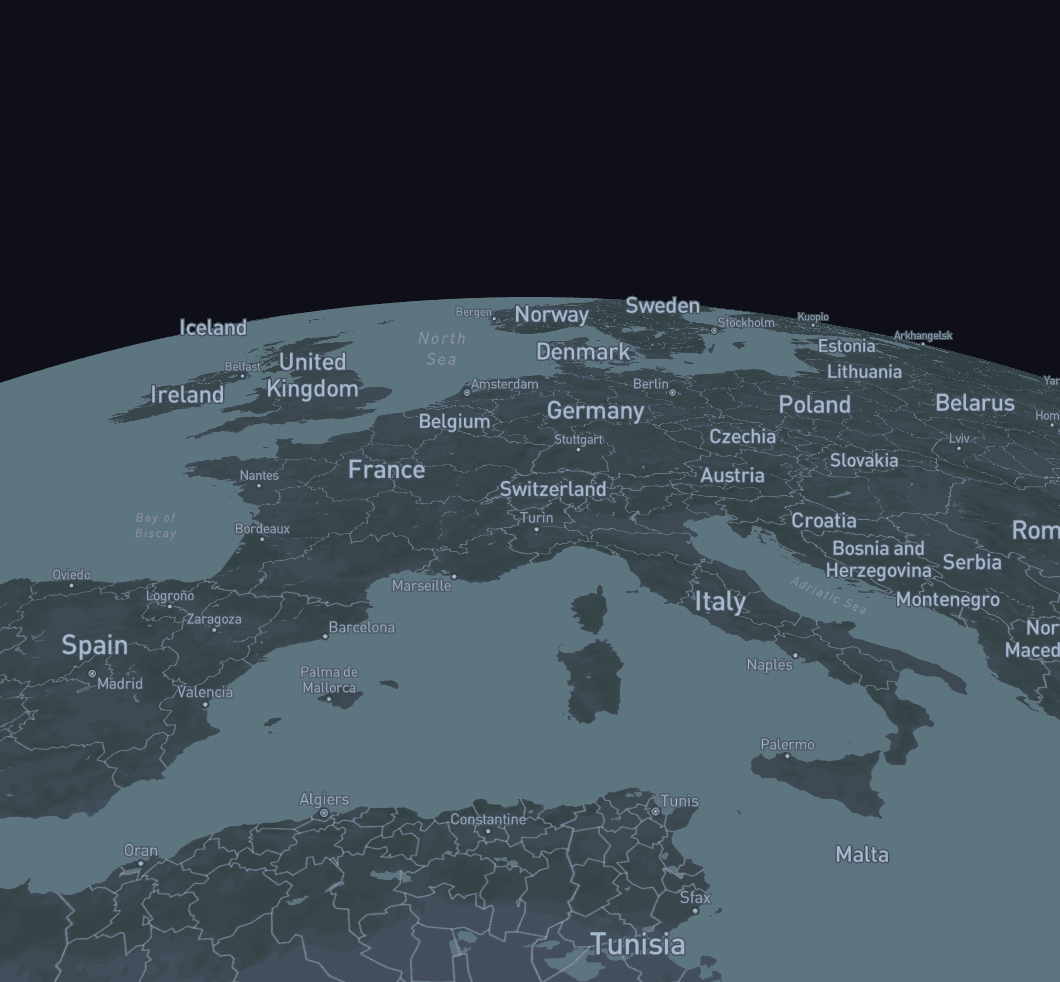
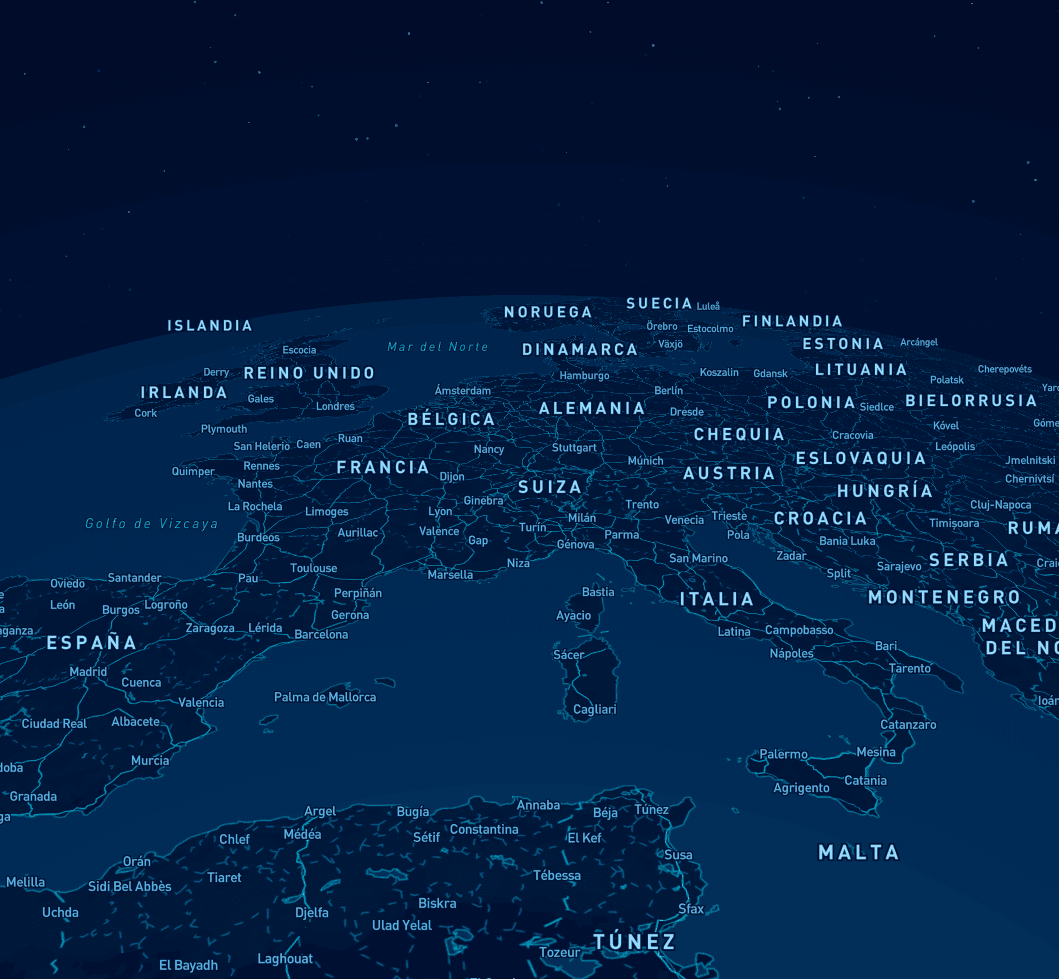
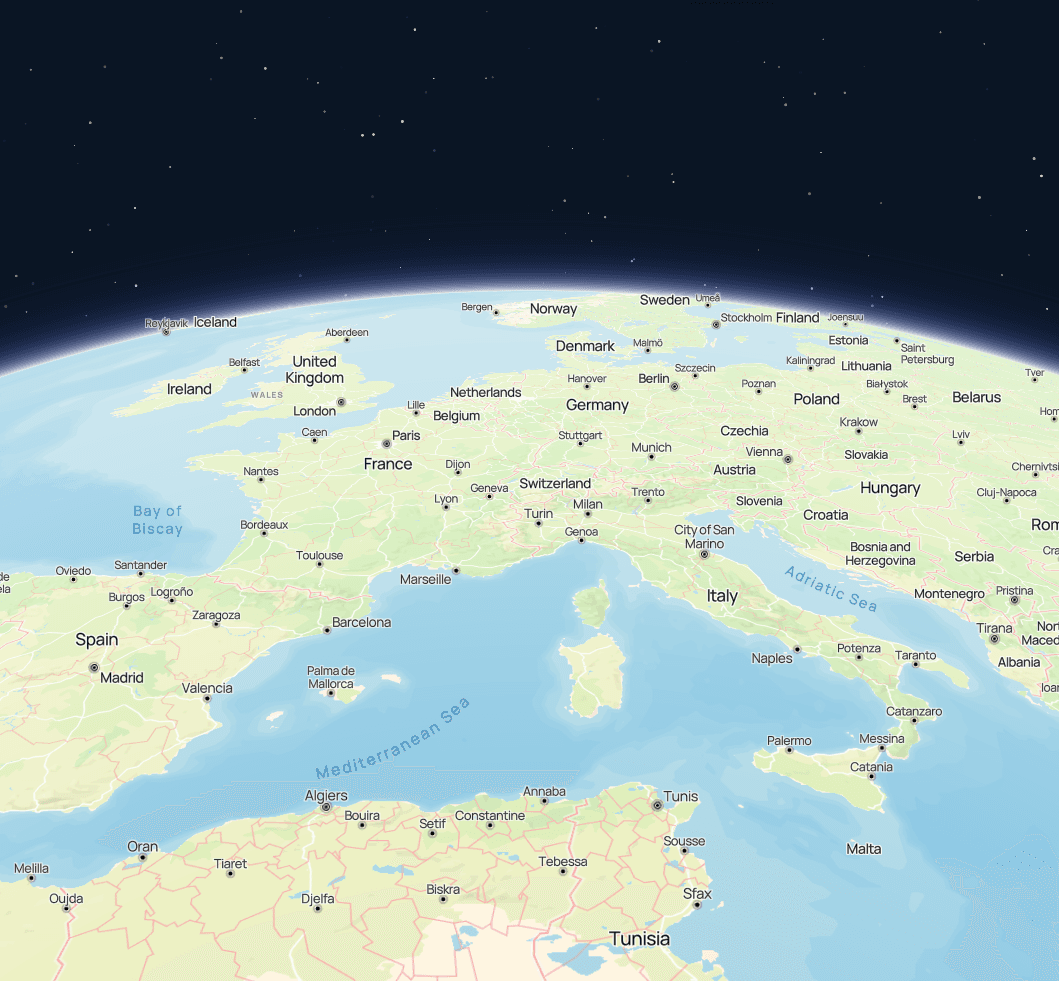
Use a map to explain your story. For your travel videos, documentaries, lessons, and reporting with data.
Frequently asked questions
What formats can I export?
Export your map as a video in WebM or an image in PNG.
Do I need coding skills?
No coding needed. Use the visual editor to build your map and animate the camera.
Is there a free trial?
Yes. The free Starter plan has the basic tools to create your first map.
What payment methods do you accept?
Pay safely by credit or debit card via Stripe.
Is my data secure?
Projects stay in your account. Keep them private or share them.
Can I cancel anytime?
Yes. You can cancel from your account at any time, with no penalties.