Back
Docs
Getting started with MapsAnimation
A simple, complete walkthrough to create your first map animation and export a video.
Studio preview
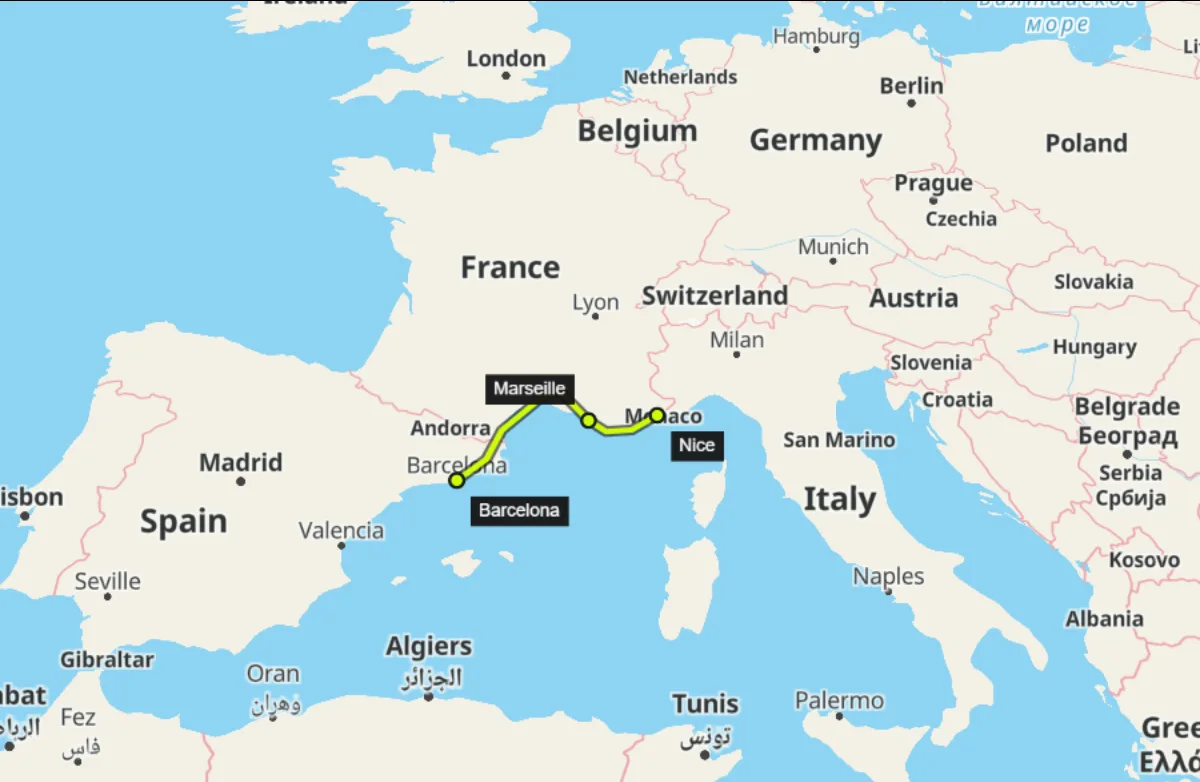
Your first export in 4 steps
01
Pick a location
Search for a place or pan the map until it looks right.
02
Choose a style
Use a clean style for clarity and better readability.
03
Animate the camera
Add a camera keyframe at the start and another a few seconds later. Play the transition.
04
Export
Export five seconds at a low resolution. Check the downloaded file before exporting the full video.
Before exporting
You are signed in and have a project open.
The map and selected style have finished loading.
Your first sample is five to ten seconds long.
You have saved your project before exporting.
Quick tips
Blank map
Check your connection, the quota notice and whether another style loads.
Export fails
Reduce duration, fps, or resolution and try again.
Choppy motion
Shorten clip while testing and simplify effects.