© OpenStreetMap contributors · OpenMapTiles · OpenFreeMap · Mapterhorn
A new Library and 19 animations in the Gallery
Organize your assets, find your cloud exports, and explore new ways to animate a map.
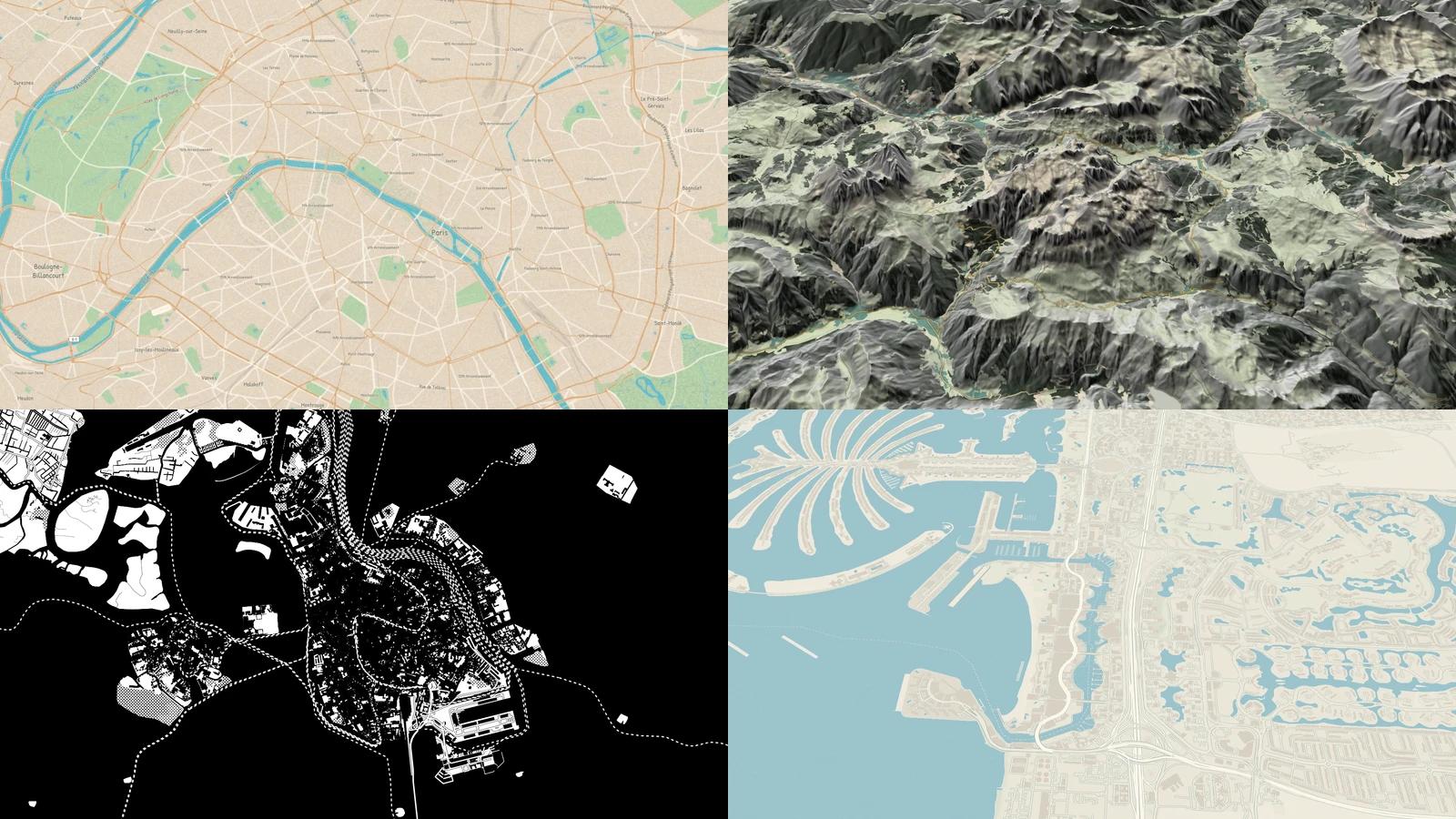
The Library brings together the files you use in projects and the videos you export to the cloud. We've also reduced rendering time and added 19 animations made in MapsAnimation to the Gallery.
Your assets in the Library
Open the Library from the project dashboard. Search for images, SVG files, music, or sound effects by name, group them into folders, and switch between grid and list views. The storage meter shows how much space you've used. If your plan includes uploads, you can add files here too.
Faster cloud exports
Parallel processing brought one five-second, 720p export test down from 61 to 49 seconds. Timing varies by composition and resolution. In the Library's Exports tab, you can track progress, preview finished videos, and download them for seven days. Check the plans for availability.
19 new animations to explore
The Gallery shows the newest posts first. Watch a low camera glide through Barcelona, rotate above the canals of Venice, or see animated traces sketch currents across the Atlantic. Filter and play examples on the same page, then open Studio to try those movements on your own map.